
Google Play Store
Google Play Store is Google's digital distribution platform for Android, used to find, install and update apps, games and books.
101.1 MB

7.2 · Google LLC · Page updated
Google Authenticator is Google's free app that generates verification codes for two-step sign-in. This page covers version 7.2 for Android.
Average 0.0 · ratings: 0
Thank you! Your rating is saved; you can change it. Could not save the rating. Please try again later. Too many ratings from your network today. Please try again tomorrow. The average appears after 5 ratings.
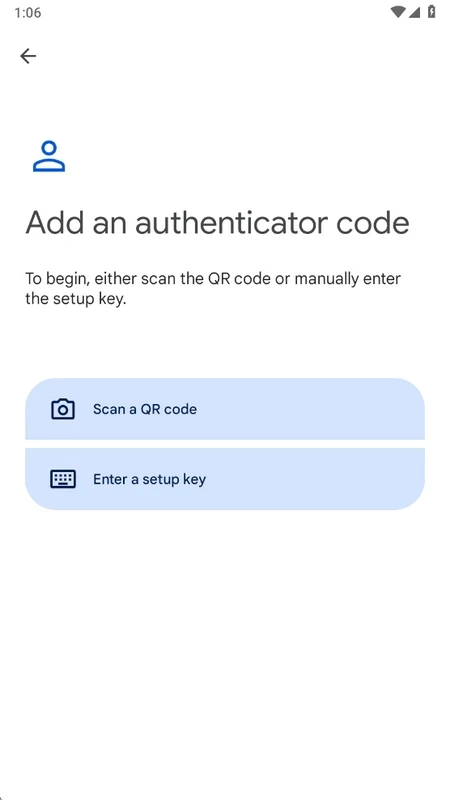
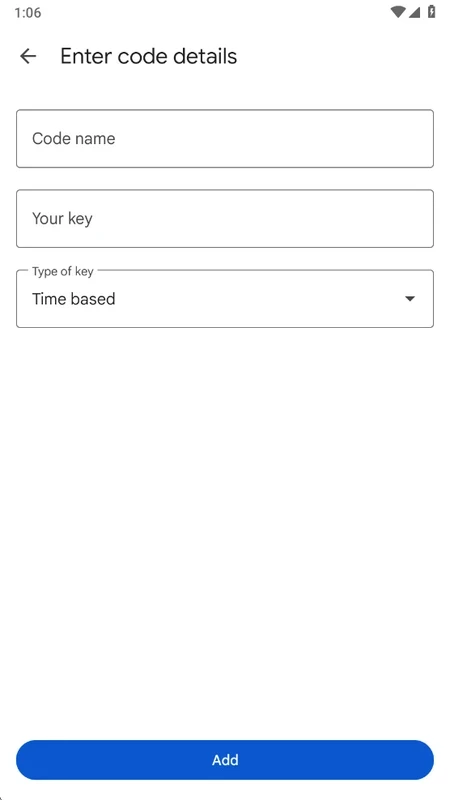
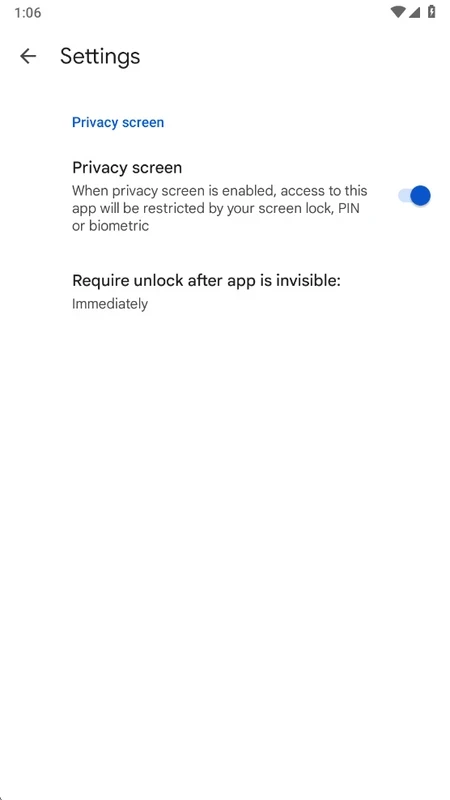
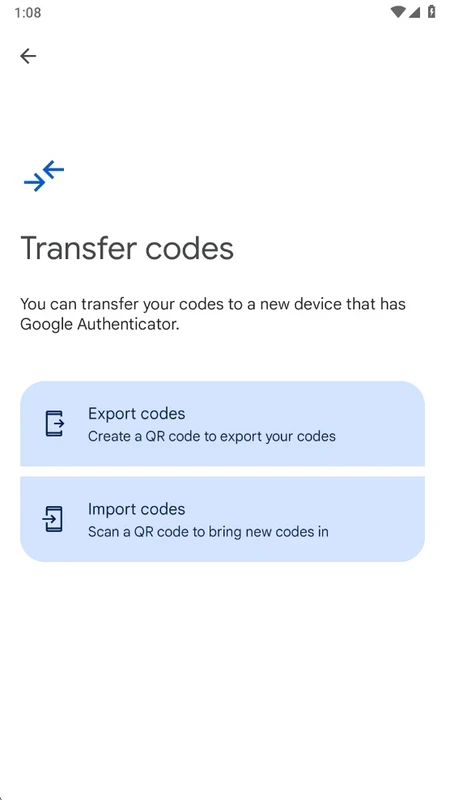
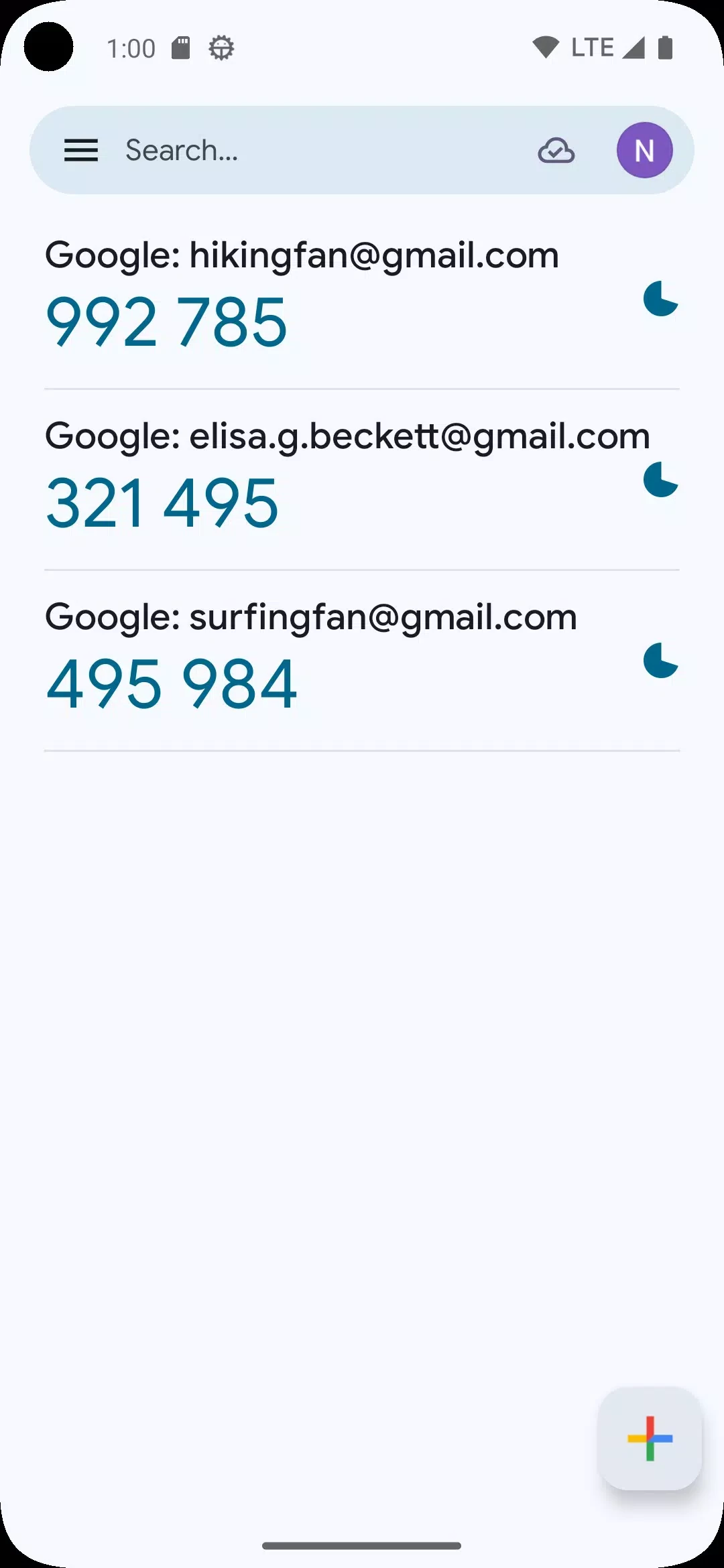
Google Authenticator 7.2 for Android is Google's free app for two-step verification: it generates short codes you enter after your password to prove that it is really you. You can download it from Google Play; the answers below cover setup, backups and common questions.
Passwords alone are easy to steal. Two-step verification adds a second factor, and Google Authenticator provides it in the form of one-time codes. When you enable two-step sign-in on a website or service, it shows a QR code; you scan it with the app, and from then on the app shows a fresh short code for that account that changes at regular intervals. At sign-in you type the current code after your password, so a thief who knows only the password gets stuck. The codes are generated on your phone and work even without a mobile signal. Google released the first version on 20 September 2010, and the app has become one of the standard tools for protecting email, social networks, crypto exchanges, developer platforms and work accounts. It is not limited to Google accounts: any service that supports authenticator apps works with it.
Google's own step-by-step help is on the Google Authenticator support page.
That is the main risk. Keep the backup codes each service provides in a safe place, and before you change phones, move your accounts to the new device using the transfer options in the app. Without either, you may need to go through each service's account recovery.
About 4.77 MB according to catalogue data, so it fits on any phone.
Yes, when installed from Google Play. Beware of look-alike apps with similar names and icons. Lock your phone with a PIN or fingerprint, since anyone who can open the app can read your codes. Never read codes to someone who calls or messages you asking for them.
Yes, completely free, with no ads.
Within our listings, Google Authenticator is the dedicated authenticator app in the Android tools category. For protecting app access on the phone itself, AppLock adds a lock screen to chosen apps, which complements rather than replaces two-step verification.
Google Play Store is Google's digital distribution platform for Android, used to find, install and update apps, games and books.

APKPure is a third-party app marketplace for Android that installs apps from APK files outside Google Play. This page covers version 3.20.7803.

Aptoide is an open-source alternative app store for Android, running since 2009. This page covers version 9.22.5.3.

QuickShortcutMaker is a small Android tool for creating home screen shortcuts to specific screens of installed apps, including hidden settings.